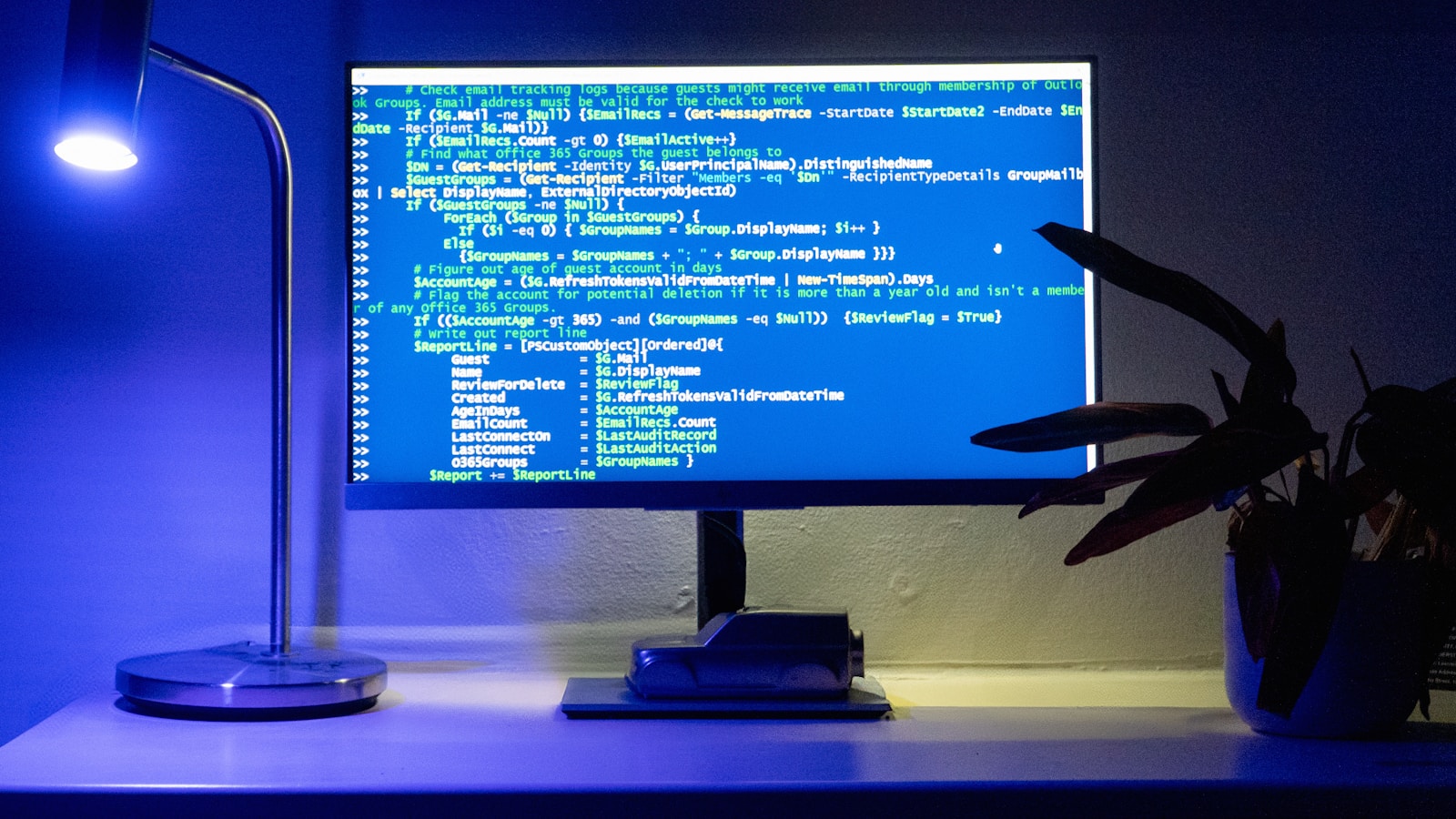
A WordPress site doesn’t typically underperform due to a lack of plugins or fancy themes. It falters when a single line of JavaScript hangs, an API call fails to return, or the server swap file fills up during peak hours. Such seemingly minor issues can cascade into significant performance bottlenecks, frustrating users and ultimately hurting sales.
Why Performance Optimization is a Business Priority
For business owners and technical decision makers, WordPress performance optimization isn’t just a technical concern; it’s a vital business strategy. A sluggish website can lead to decreased user engagement, increased bounce rates, and ultimately a loss in revenue. Moreover, Google considers website speed as a ranking factor, affecting your SEO.
Architecting for Optimal Performance
The architecture of your WordPress site plays a crucial role in its performance. Efficient WordPress plugin architecture and custom development solutions can significantly improve loading times. At WebCosmonauts, we prioritize minimalistic, clean code and leverage server-side caching to reduce load times.
WordPress Plugin Architecture
Custom plugins should be built with performance in mind. This means optimizing database queries, minimizing the number of HTTP requests, and ensuring compatibility with the latest WordPress versions.
Server Configuration
Proper server configuration is key. Use optimized PHP versions, configure caching mechanisms like Varnish or Redis, and ensure your web server is tuned for high performance.
Payload Contract and Data Model
For any API integration, defining a clear payload contract is crucial. This ensures that the data model remains consistent across different systems. It minimizes issues related to data corruption or loss, especially when dealing with asynchronous processes.
Error Handling and Logging
Effective error handling can prevent minor issues from escalating into major outages. Implement retry policies for failed API calls, use idempotency keys to manage duplicate requests, and maintain comprehensive error logs for post-mortem analysis.
Retries and Duplicate Requests
Set up a robust retry mechanism with exponential backoff for network-related errors. Ensure your API endpoints can handle duplicate requests gracefully using idempotency keys.
Security Considerations
Security should never be an afterthought. Use API keys for authentication, secure webhook endpoints with secrets, and limit permissions to only what is necessary. Regularly update and audit your plugins to close any vulnerabilities.
Ongoing Maintenance and Monitoring
Post-launch, continuous monitoring of your WordPress site is crucial. Implement uptime monitoring, set alerts for unusual traffic spikes, and regularly test your site’s performance after updates or changes.
Performance Optimization Checklist
- Conduct regular audits of your website’s speed and performance.
- Optimize images and use modern formats like WebP.
- Minify CSS, JavaScript, and HTML files.
- Implement a Content Delivery Network (CDN).
- Regularly update WordPress core, themes, and plugins.
- Consider lazy loading for images and videos.
Conclusion: Take Action with WebCosmonauts
In today’s competitive digital landscape, WordPress performance optimization is not just an option—it’s a necessity. WebCosmonauts offers tailored solutions to elevate your WordPress site’s performance, ensuring it not only meets but exceeds user expectations. Contact WebCosmonauts today to discuss your WordPress development, automation, or AI integration needs.